Menu
From the menu, you can access the map and other information, upgrade the Camera Obscura, and perform other actions.
Menu
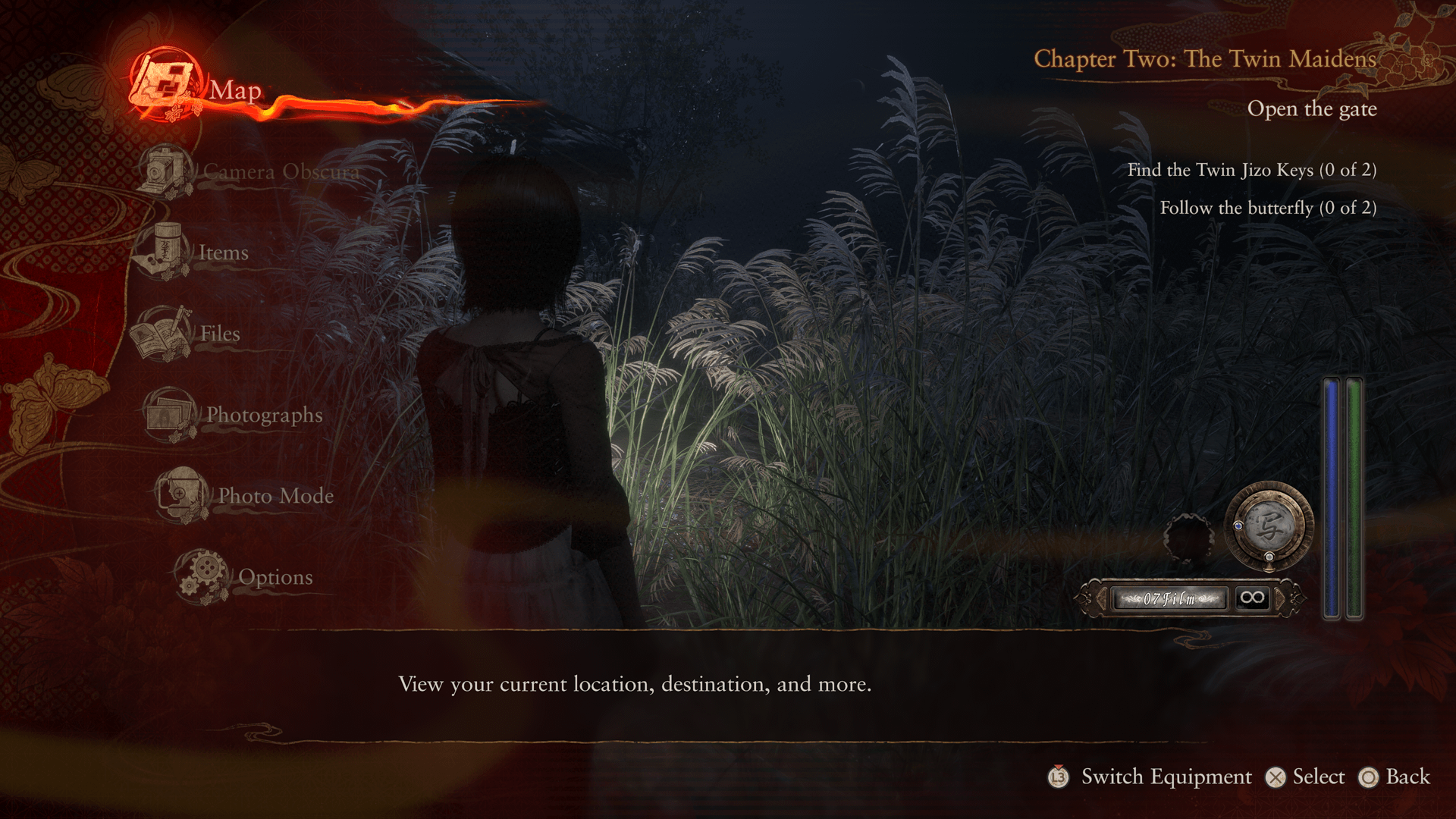
Map
View the map.
Items
View items.
Files
View the Spirit List and documents you find while exploring, and check side story progress.
Photographs
View and manage photos you have taken.
You can select photos from the Sub-menu to save with Temporary Save. Choose Save and Lock to prevent a photo from being deleted accidentally.
Options
View the Options screen.
Under System, you can choose which saved data to load.
You can also return to the Title Menu.
Reading the Map
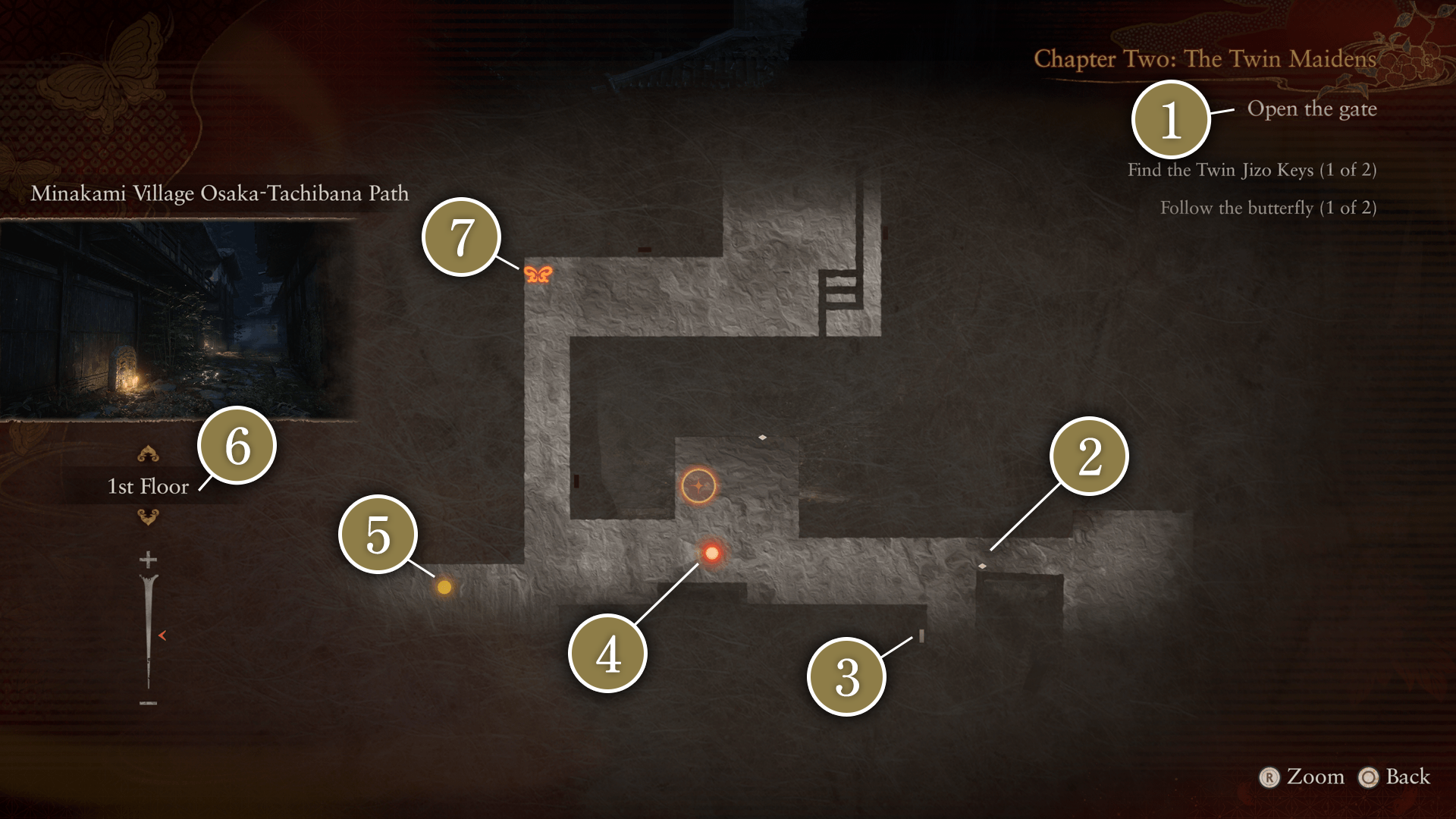
 Objective
Shows the chapter name and objectives.
 Items
Items
Indicates the locations of items.
 Door
Door
Indicates the locations of doors.
Doors marked red cannot be passed through.
Locked doors are indicated by a key symbol.
 Current Location
Indicates the player's current location and the direction you are facing.
 Objective Location
Indicates locations you should head to next.
Use this information to progress through the main story and side stories.
 Floor
Floor
Indicates the current floor of the map you are on.
 Save Point
Indicates the locations of Save Points.
Photo Mode
Take special screenshots, change frames, and place stickers around characters.
