The Basics of Synthesis
What is Synthesis?
Synthesis involves combining various ingredients to create an entirely new item. Synthesized items can be used in exploration, gathering, combat, and other activities.
Use the Alchemy Cauldron inside your base to perform synthesis. You will need to have the recipe for the item you wish to create and the specified ingredients.
You can acquire new recipes by:
- altering existing recipes through Material Loops,
- unlocking them on the Skill Tree,
- learning them from reference books.
Elements
Each item carries one or more of four elements: fire, ice, bolt, or air.
An item's element can be seen on the Item Info screen.
Material Loops
The synthesis is conducted by adding materials to Material Loops.
Material Loops determine what types of materials you can use, as well as the preferred material element.
The Core Ingredient Loops (Material Loops available to add ingredients to from the beginning) must be filled with ingredients to proceed.
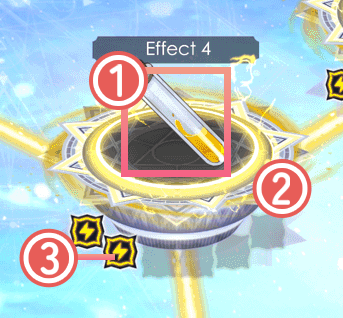
 Types of Ingredients
Displays an icon that indicates the type of ingredients that can be added.
 Element (Color)
Each Material Loop has a specific element associated with it. You can add ingredients with different elements as well.
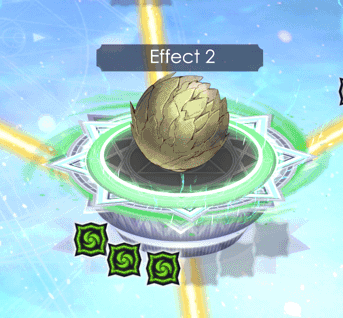
Fire: Red / Ice: Blue / Bolt: Yellow / Air: Green
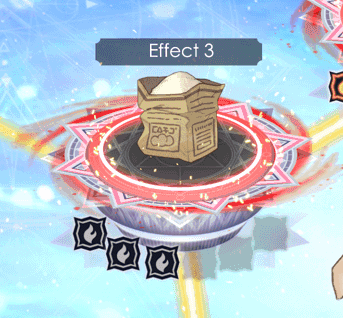
fire
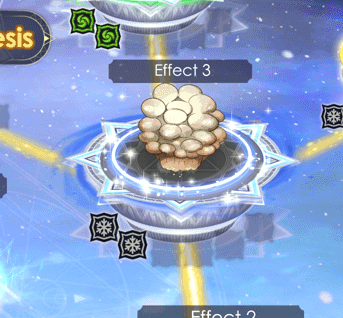
ice
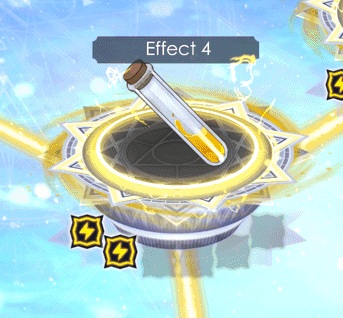
bolt
air
 Element Value
If you add ingredients with the same element as the Material Loop, the icon will light up according to the element value. If all the icons are lit up, the Material Loop will level up, and the effect associated with the Material Loop will be unlocked.
If the Material Loop can be further leveled up, new icons for the next level will appear.
* Adding ingredients with Element values of 0 will not increase Elements.
Band Shape
Material Loops with different effects will have different shapes.
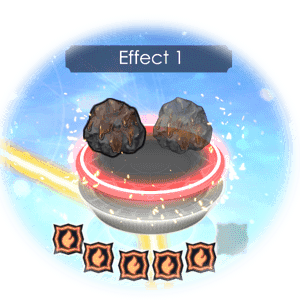
Effect, Quality, etc.
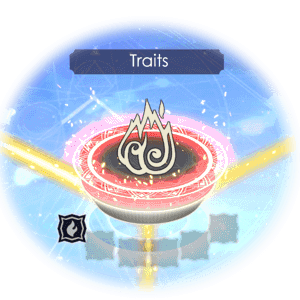
Trait Slots
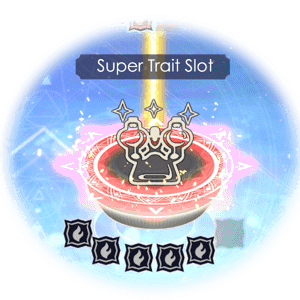
Super Trait Slot
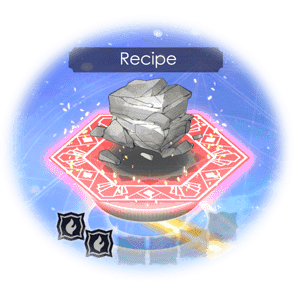
Recipe Morph
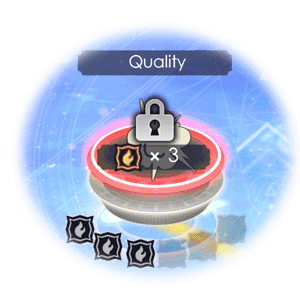
Element Lock
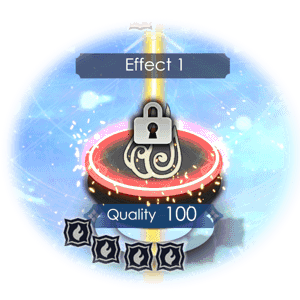
Quality Lock
Core Ingredient Loops
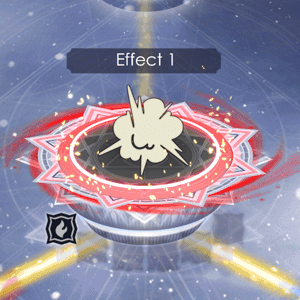
Core Ingredient Loops are Material Loops that you can add ingredients to from the beginning. At the start of synthesis, you can only add ingredients to the Core Ingredient Loops.
Once you add ingredients to all of the Core Ingredient Loops, the neighboring Material Loops will be unlocked, indicated with a bright yellow line. You can then add ingredients to these Material Loops.
* Materials cannot be inserted in to Material Loops not connected by bright yellow lines.
Leveling Up Material Loops
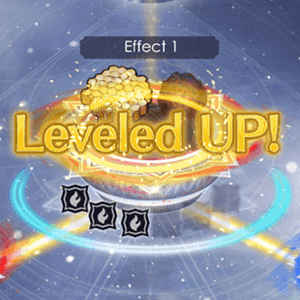
Material Loops will level up once you add ingredients with the same element as the Material Loop and reach a certain element value.
The effect associated with the Material Loop will be unlocked once you level it up. Level up even more to gain stronger effects.
Unlocking Material Loops
Material Loops that are locked must be unlocked by fulfilling specific requirements.
Element Lock
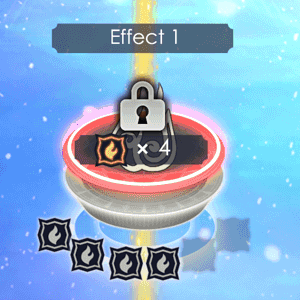
These loops are unlocked by adding the required element value to the preceding Material Loop.
Quality Lock
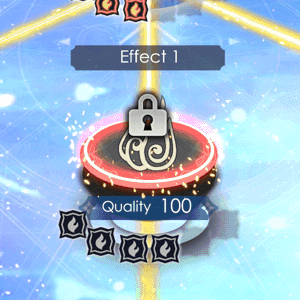
Unlocked by reaching the required quality of the item you are currently synthesizing.
You can improve the overall quality by adding high-quality ingredients or changing an ingredient you previously added to a better one.
* The maximum item quality can be raised with "Max Quality" in the Skill Tree.
Adding Ingredients and Starting Synthesis
Once the remaining number of ingredients that can be added reaches 0, you will be asked if you would like to start synthesizing.
After you add ingredients to all of the Core Ingredient Loops, you may start synthesizing right away without adding any extra ingredients.
* The upper limit to the number of ingredients used can be increased with "Extra Ingredients" in the Skill Tree.
| Start Synthesis | |||
|---|---|---|---|
| PS5® PS4® |
Switch™2 Switch™ |
Steam® | |
| PCGamepad | Keyboardand Mouse | ||
  |
 |
 |
 |
Recipe Morph
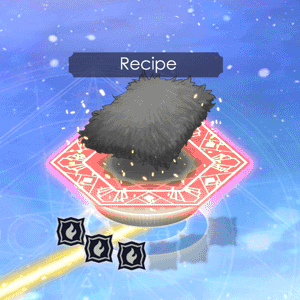
If you level up a special Material Loop marked "Recipe," you can create a completely new item. You will automatically learn the recipe for the new item.
* Trigger further Recipe Morphs from an already Morphed Recipe and learn all Recipes up to completion.