Controls: PlayStation®4
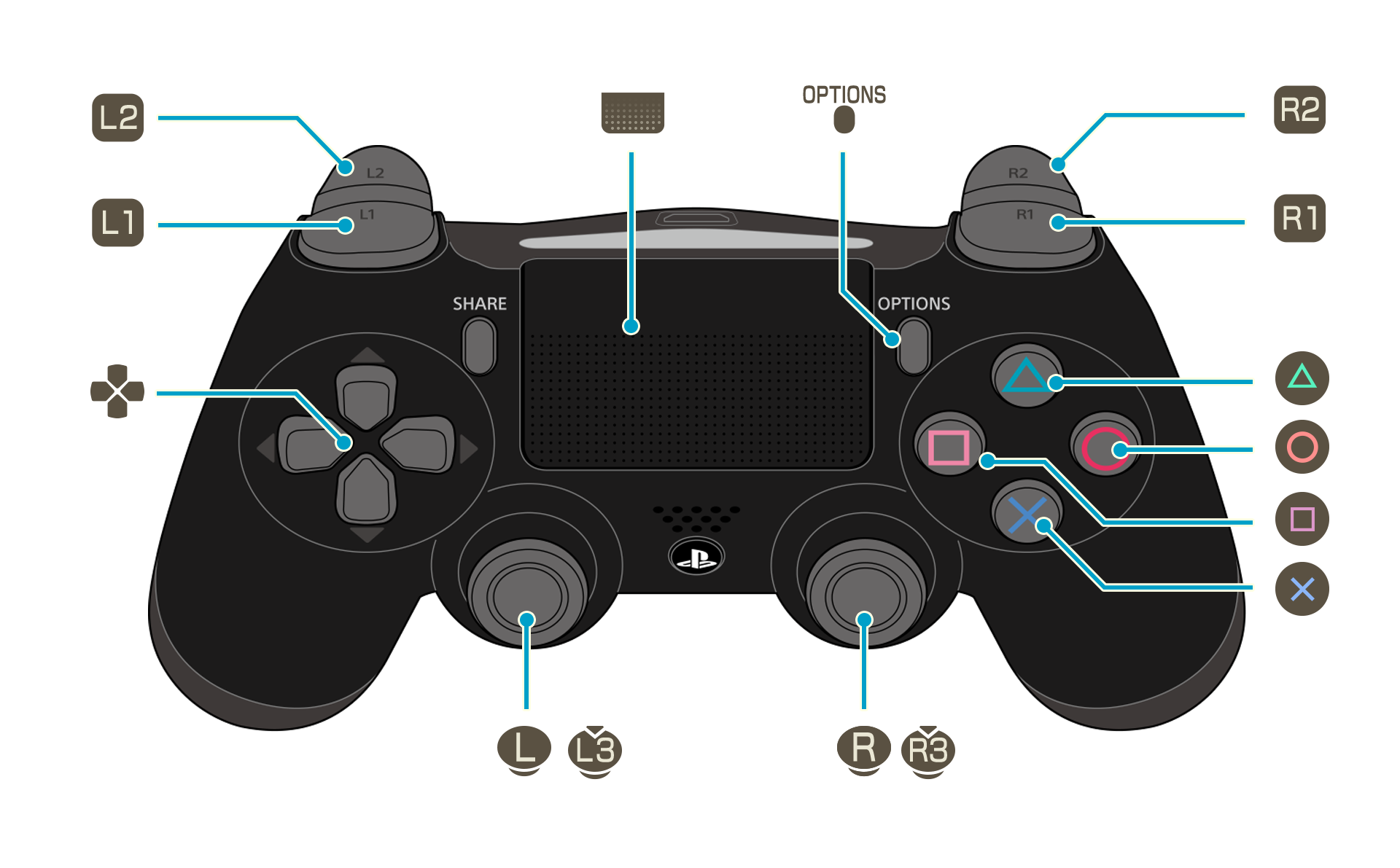
A detailed key guide will be displayed on the bottom right of the game screen.
The controls used to adjust the camera zoom can be changed under Camera on the Options menu.
 |
Examine / Confirm |
|---|---|
 |
Jump / Cancel |
 |
Swing (Press & hold) Charged swing |
 |
Main Menu |
 |
View story |
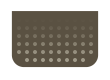 |
Skip (cutscenes) Memory Map (field) |
 |
Move |
 |
Adjust camera |
 (+) (+) |
Run (default) |
 |
Switch tab Change gathering tool (field) |
|
Switch tab Run ON/OFF (change in Settings) |
 |
Zoom out |
 |
Zoom in |
 |
Event Log |
 |
View full map |