Title Screen

Press any button on the Title Screen to see the Title Menu.
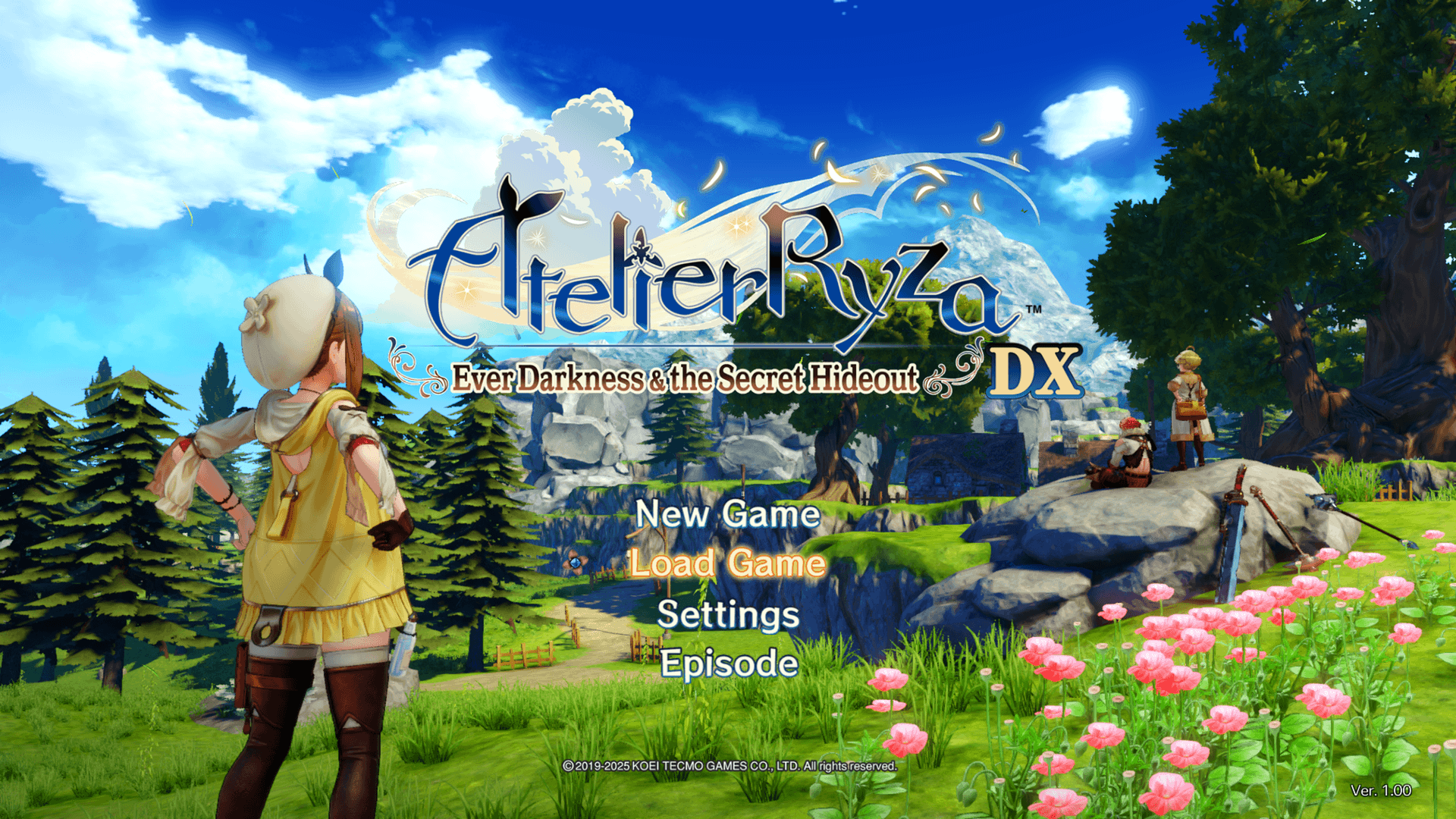
New Game

Start a new game.

Load Game

Resume a previously saved game.

Settings

Displays the Options menu.

The Difficulty, Camera, Controls, Audio, and Graphics settings can be changed in the Options menu.

Note: The Steam® version also includes Keyboard and Controller settings.

Extra

View a variety of additional content.

Note: "Extra" will only become available after clearing the game for the first time.

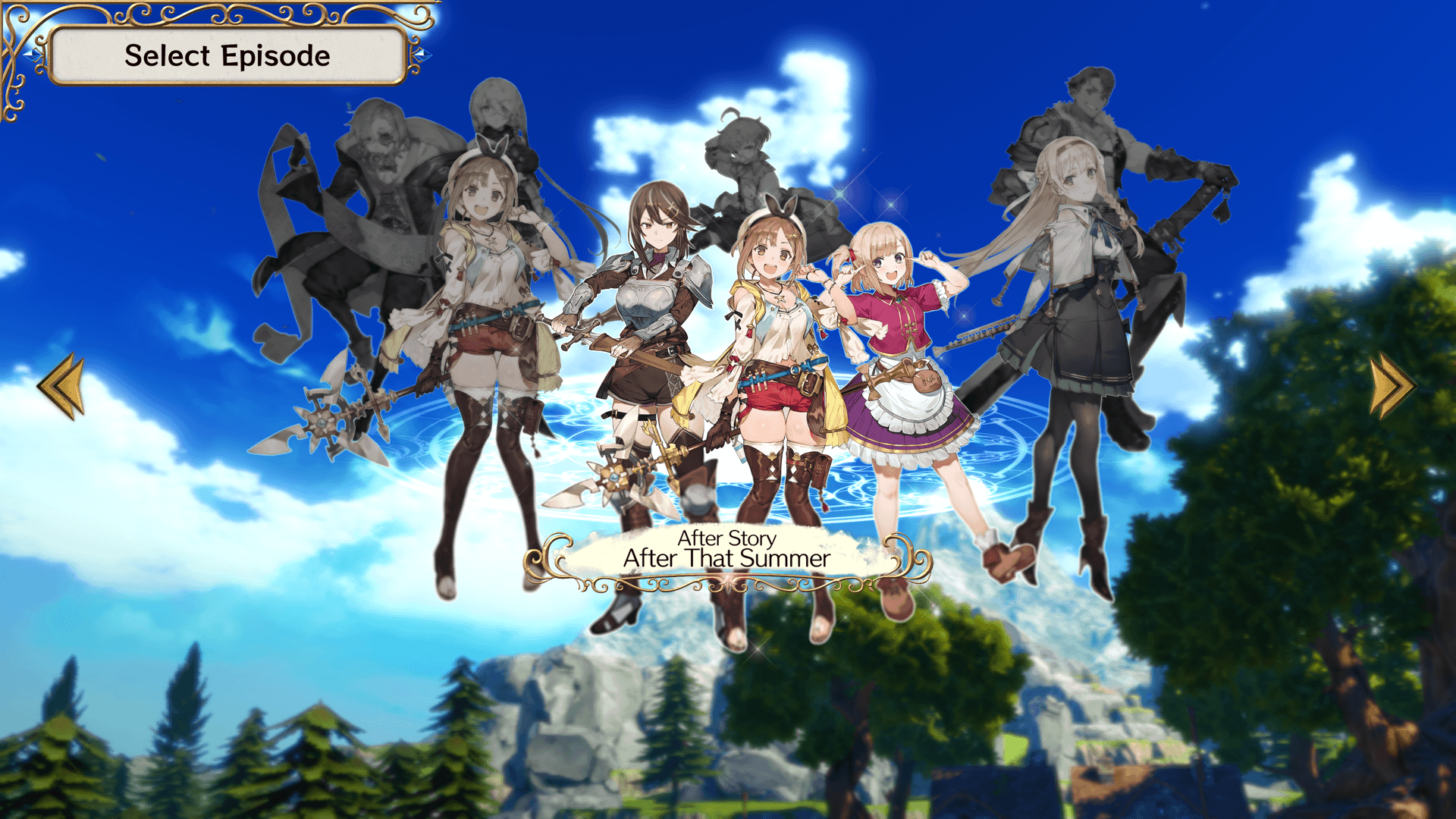
Episodes

Play stories outside of the Main Story.

* You can play "Episodes" even without completing the main game. It is recommended to play after progressing the game to some extent.

* Episodes can be found in "Episodes" in the Title Menu.

Exit Game

Ends the game.

Note: "Exit Game" is only for the Steam® version.