Title Menu

Press any button on the title screen to access the Title Menu.
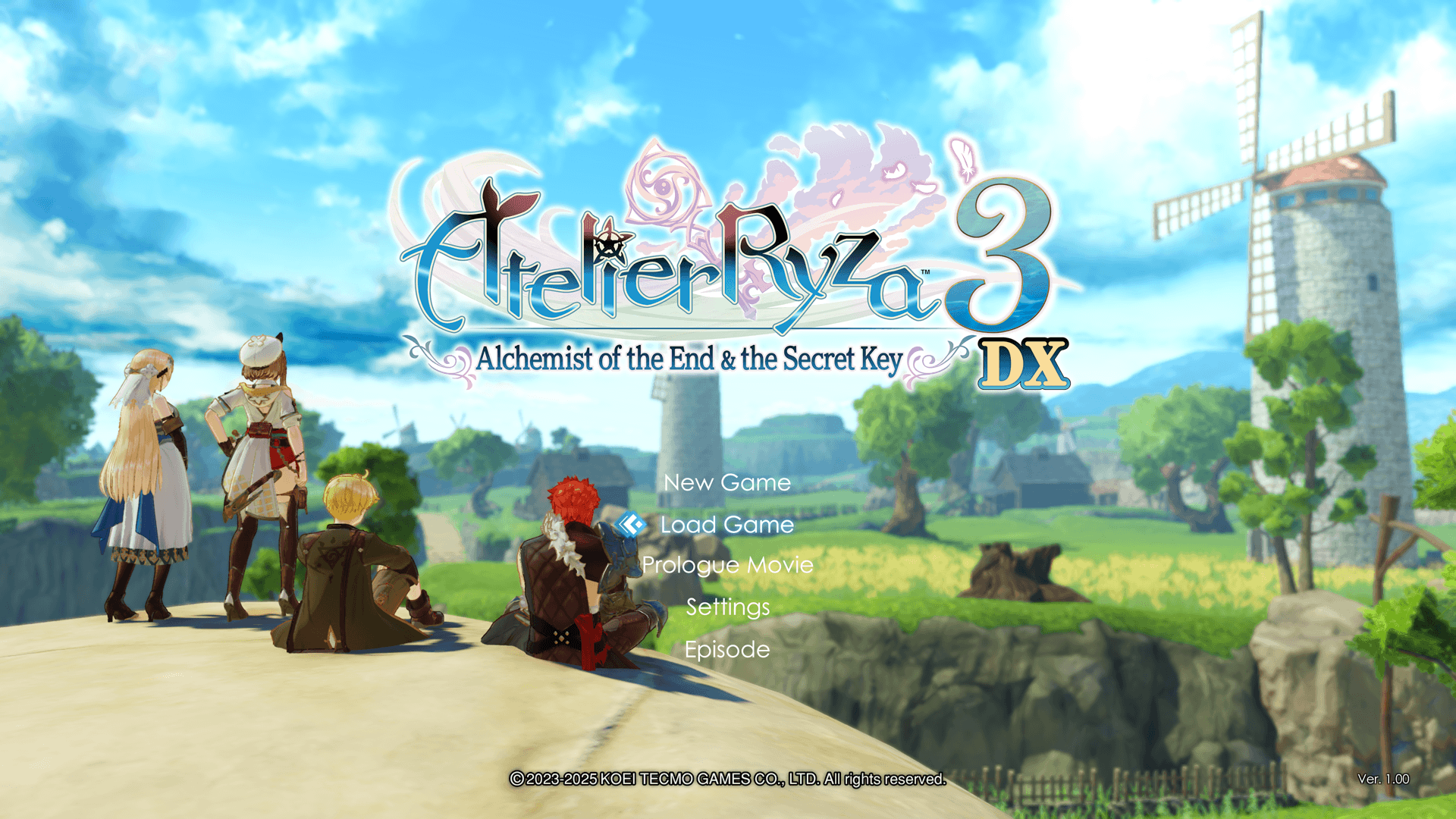
New Game

Begin a new game.

Load Game

Resume a previously saved game.

Import Save Data

You can begin the game on PlayStation®5 with PlayStation®4 version save data.
In order to use this feature, PlayStation®4 version save data must be stored on your PlayStation®5 console.
You can transfer your PlayStation®4 save data to the PlayStation®5 console by using USB devices or PS Plus cloud storage.

※The "Import Save Data" option is only available in the PlayStation®5 version.

※A PlayStation®Plus membership is required to access PlayStation Plus cloud storage.

Prologue Movie

View a movie highlighting the story from "Atelier Ryza: Ever Darkness & the Secret Hideout" and "Atelier Ryza 2: Lost Legends & the Secret Fairy."

Settings

Displays the Options menu.

Adjust options such as game difficulty, controls, camera, and sound settings.

In the Steam® version, you can also change the following settings: keyboard and controller.

Extras

View various extra content.

※Extras will be unlocked once you clear the game.

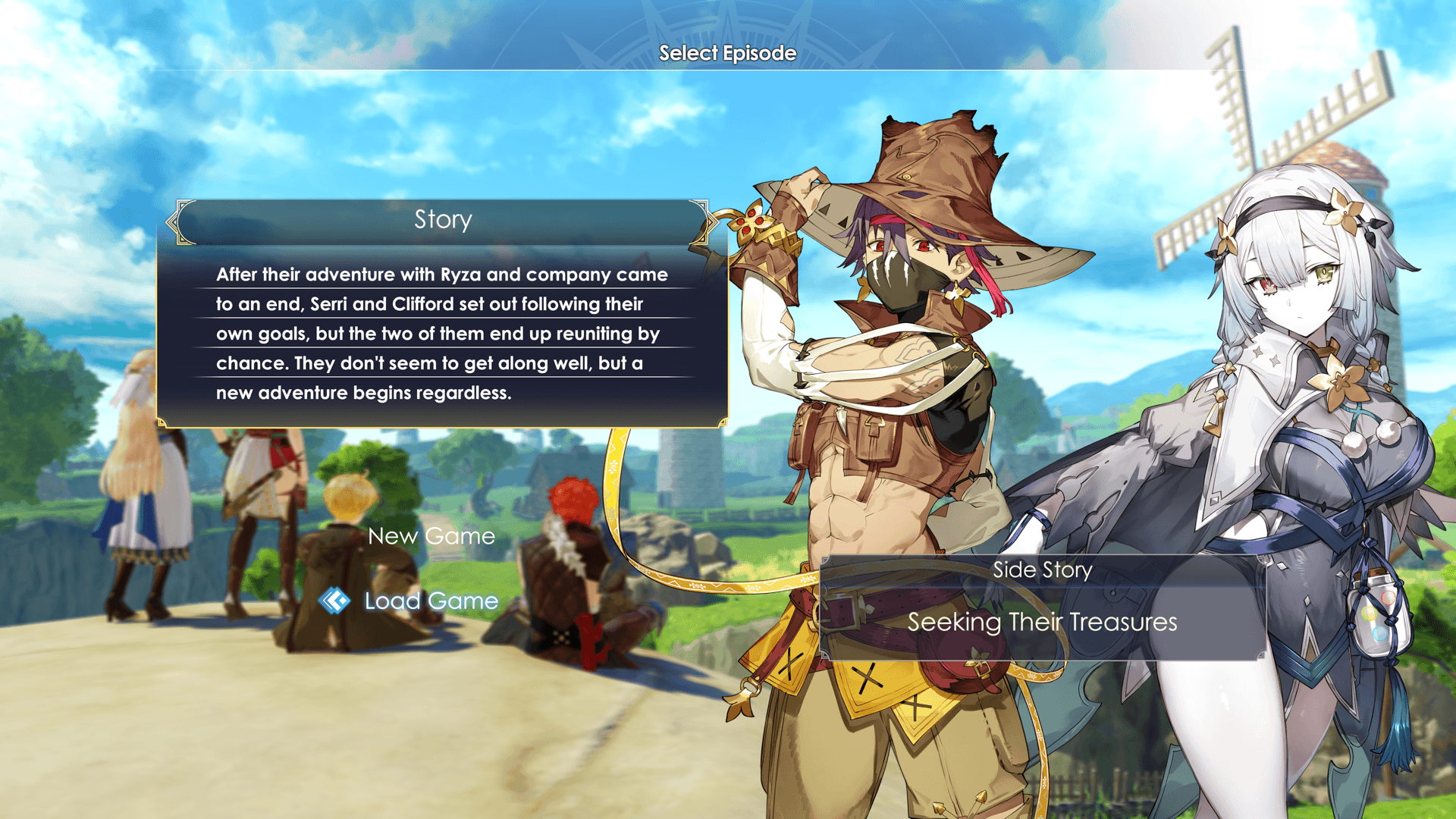
Episodes

Play stories outside of the Main Story.

* You can play "Episodes" even without completing the main game. It is recommended to play after progressing the game to some extent.

* Episodes can be found in "Episodes" in the Title Menu.

Exit Game

End the game.

Note: "Exit Game" is present only in the Steam® version.