The Basics of Exploration
Viewing the Field Screen
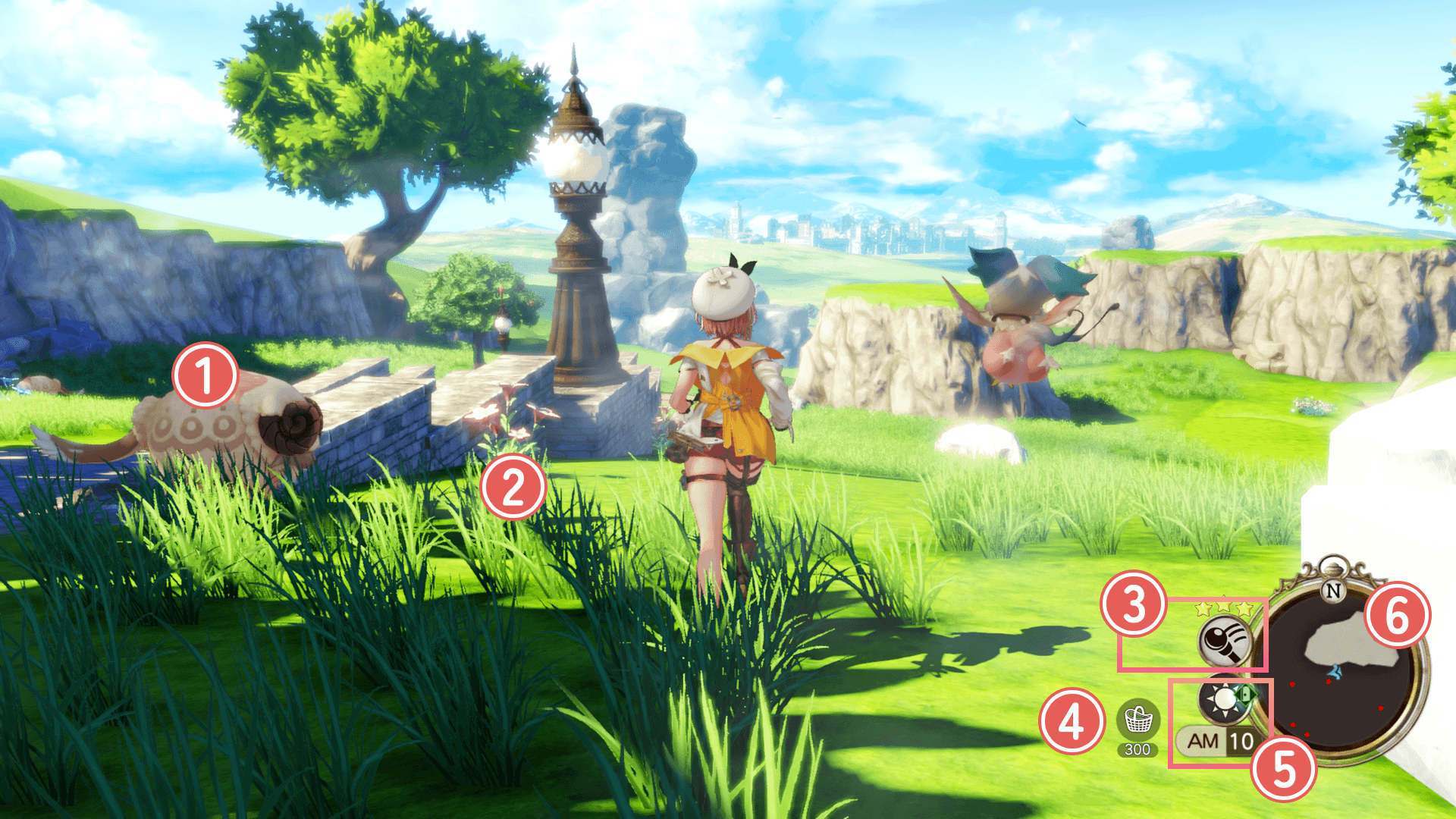
 Monsters
Touching enemies initiates battle. Hitting them with a Swing lets you start with an advantage. Winning yields materials and Exp.
Swing Hit
As Ryza's level increases, you can switch between normal Swing Mode and Swing Subjugation Mode during field exploration.
In Swing Subjugation Mode, some enemies can be defeated with just a single Swing without engaging in battle.
 Gathering Points
This is where you can gather materials. Approach it and press the assigned button to gather.
| Controls: Examine | |||
|---|---|---|---|
| PS5® PS4® |
Switch™2 Switch™ |
Steam® | |
| PCGamepad | Keyboardand Mouse | ||
  |
 |
 |
 |
| Controls: Swing | |||
|---|---|---|---|
| PS5® PS4® |
Switch™2 Switch™ |
Steam® | |
| PCGamepad | Keyboardand Mouse | ||
 |
 |
 |
  |
 Gathering Tools
Swing your tool in order to use it.
Gathering Tools can be obtained through synthesis and equipped through Main Menu > Tools.
Even at the same gathering point, different Gathering Tools can yield different materials.
You can use the assigned buttons to change the tools in the field:
| Controls: Changing Gathering Tools | |||
|---|---|---|---|
| PS5® PS4® |
Switch™2 Switch™ |
Steam® | |
| PCGamepad | Keyboardand Mouse | ||
 |
 |
 |
 |
Hold+ |
Hold+ |
Hold+ |
+ (Mouse)+ (Mouse)+    |
 Basket Capacity
Displays the available capacity of the Basket.
 Time
Time
The current in-game time. As you travel around, time will continue to pass.
Some characters will only appear at certain times of day.
 Minimap
The map showing your current location.
Emerald Band
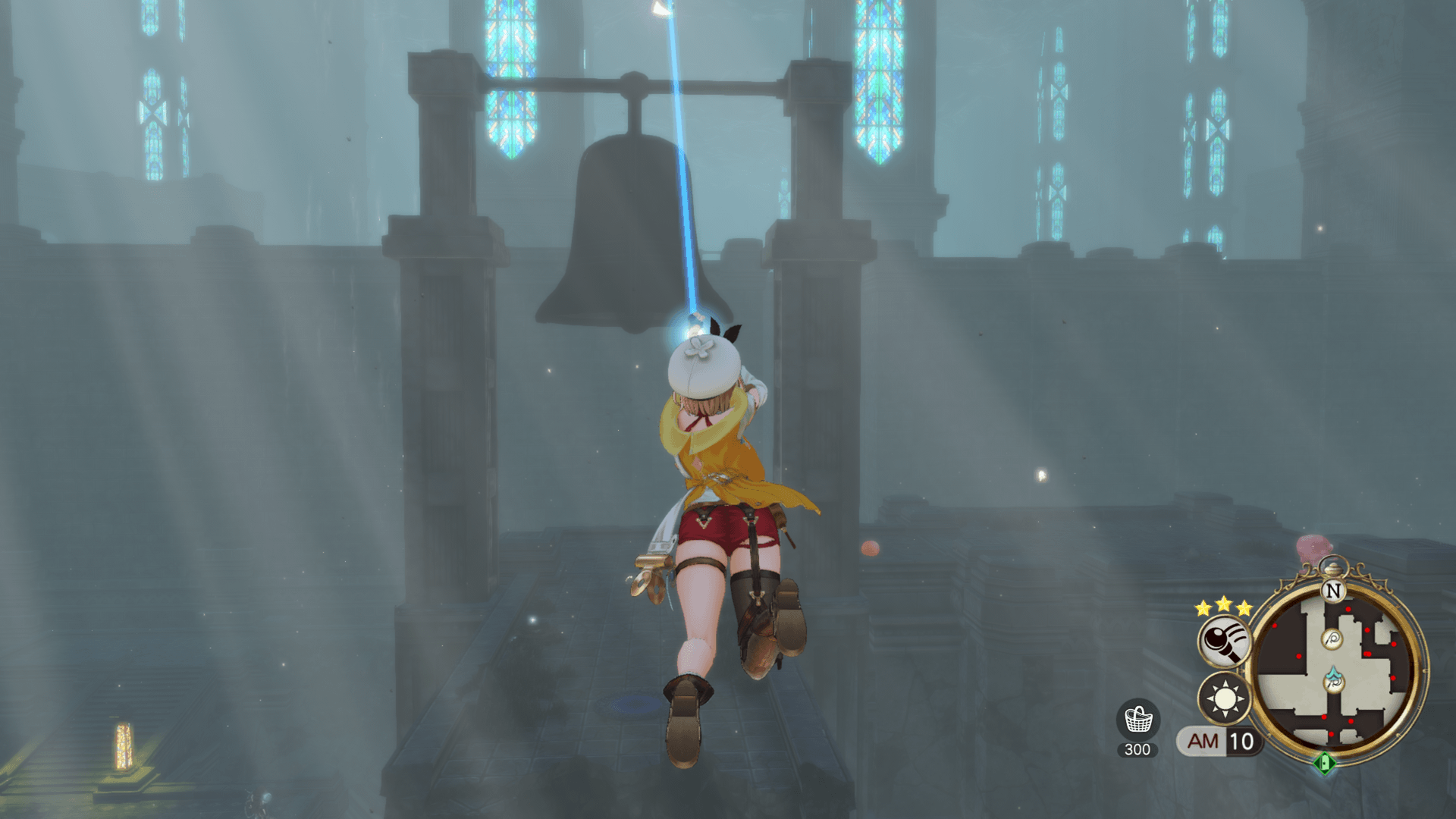
Equipping the Emerald Band will allow you to use special crystals to leap over gaps.
These crystals come in 3 different colors. If you synthesize a higher quality Emerald Band, you'll be able to utilize crystals of every color.
Spirit Beast Whistle
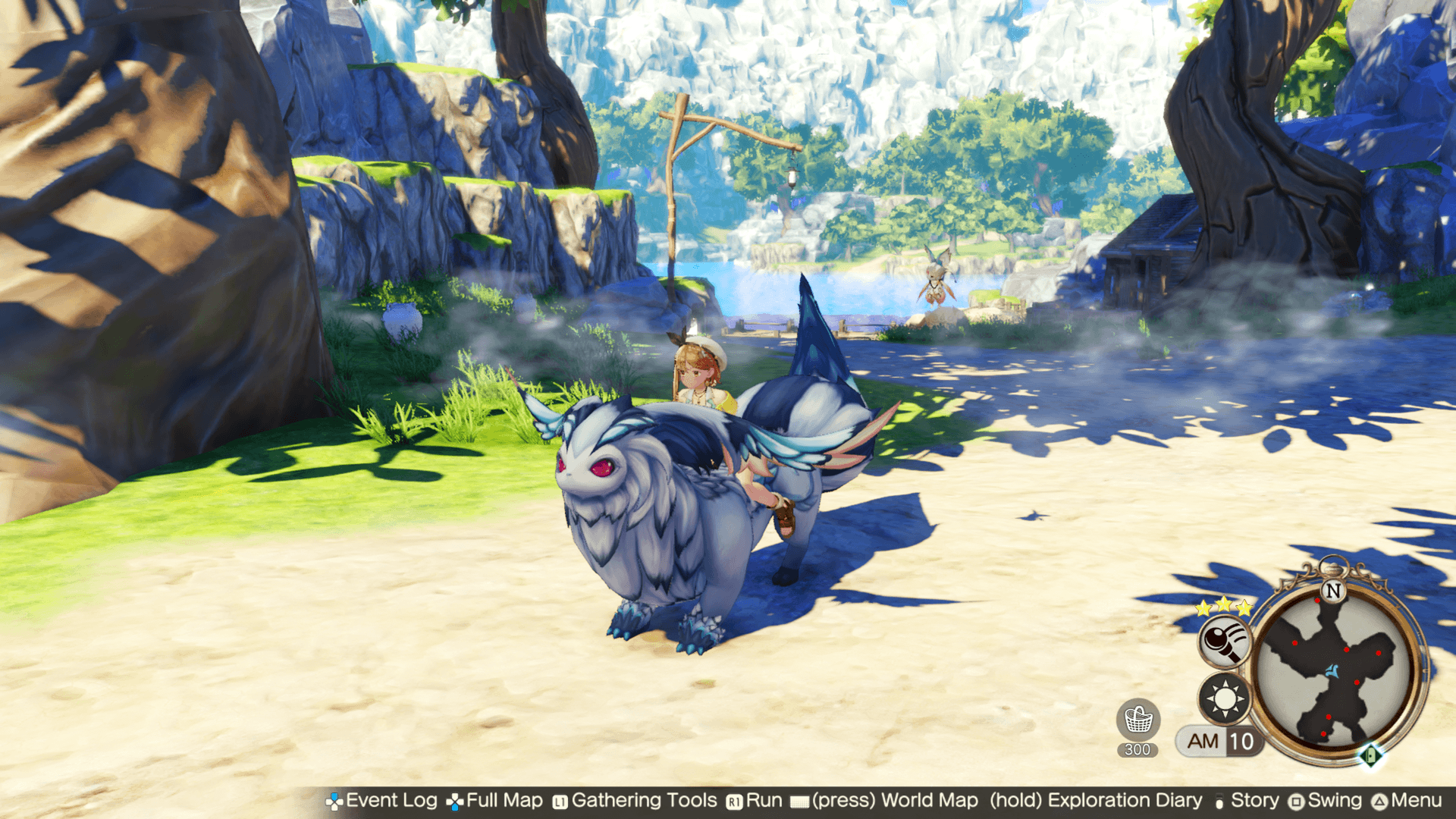
This whistle will summon a Spirit Beast that you can ride.
You can also dig at specific points to gather materials while moving.
| Controls: Mount/Dismount Spirit Beast | |||
|---|---|---|---|
| PS5® PS4® |
Switch™2 Switch™ |
Steam® | |
| PCGamepad | Keyboardand Mouse | ||
 |
 |
 |
 |
Air Drop
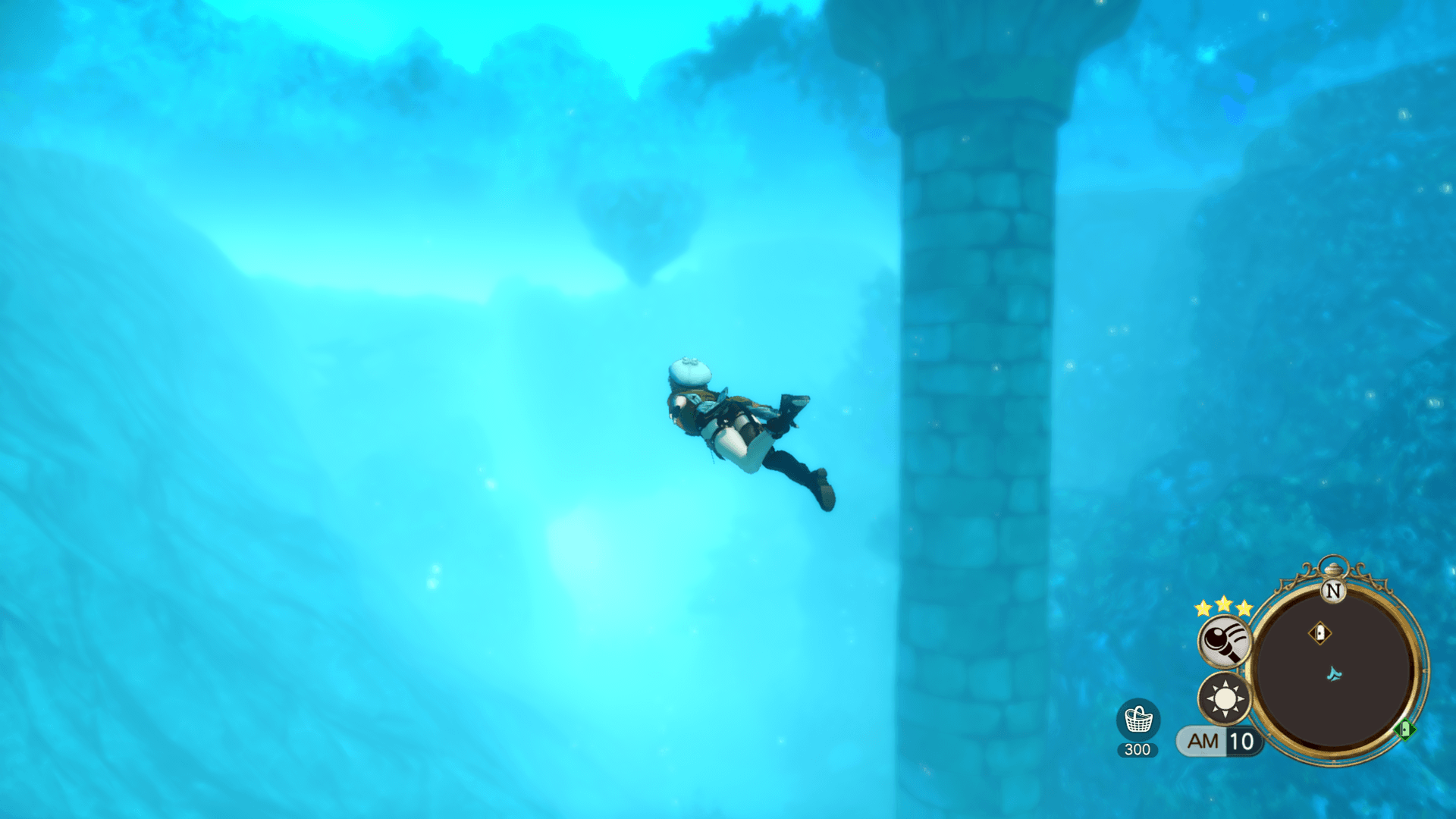
Equipping the Air Drop will allow you to dive into deep waters.
Certain materials and items can only be found underwater. Go exploring for hidden gathering points and hidden treasure chests that can only be found by diving down deep.
| Controls: Surface (when Diving) | |||
|---|---|---|---|
| PS5® PS4® |
Switch™2 Switch™ |
Steam® | |
| PCGamepad | Keyboardand Mouse | ||
  |
 |
|
  |
| Controls: Descend (when Diving) | |||
|---|---|---|---|
| PS5® PS4® |
Switch™2 Switch™ |
Steam® | |
| PCGamepad | Keyboardand Mouse | ||
|
|
|
|
Mana Lantern
Equipping the Mana Lantern will allow you to see in dark areas such as caves.
You can also light up special candlesticks or lanterns with the magical flame.
Full Map
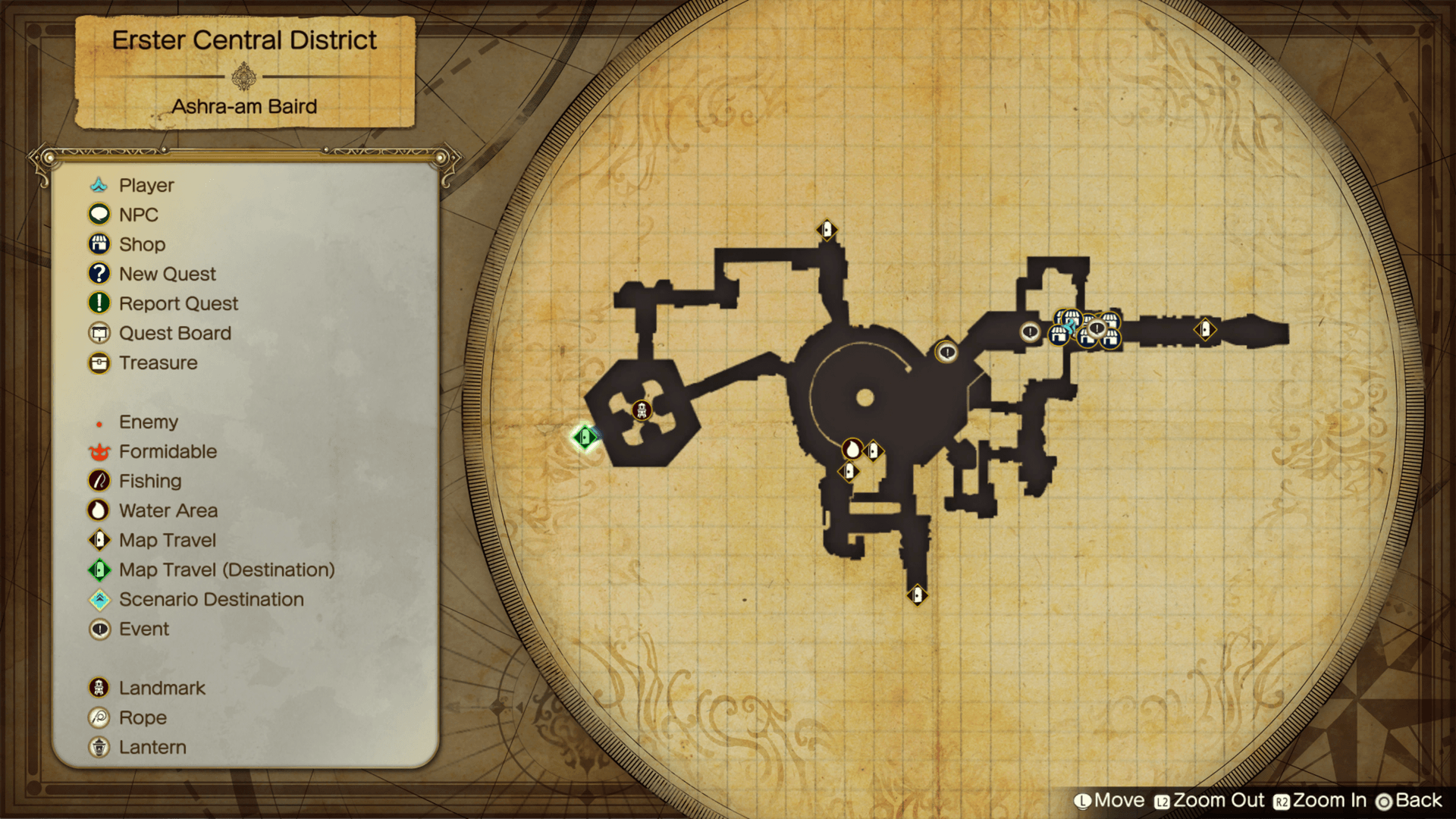
This will show the general area of your current location.
| Controls: Full Map | |||
|---|---|---|---|
| PS5® PS4® |
Switch™2 Switch™ |
Steam® | |
| PCGamepad | Keyboardand Mouse | ||
 |
 |
 |
 |
Photo Mode
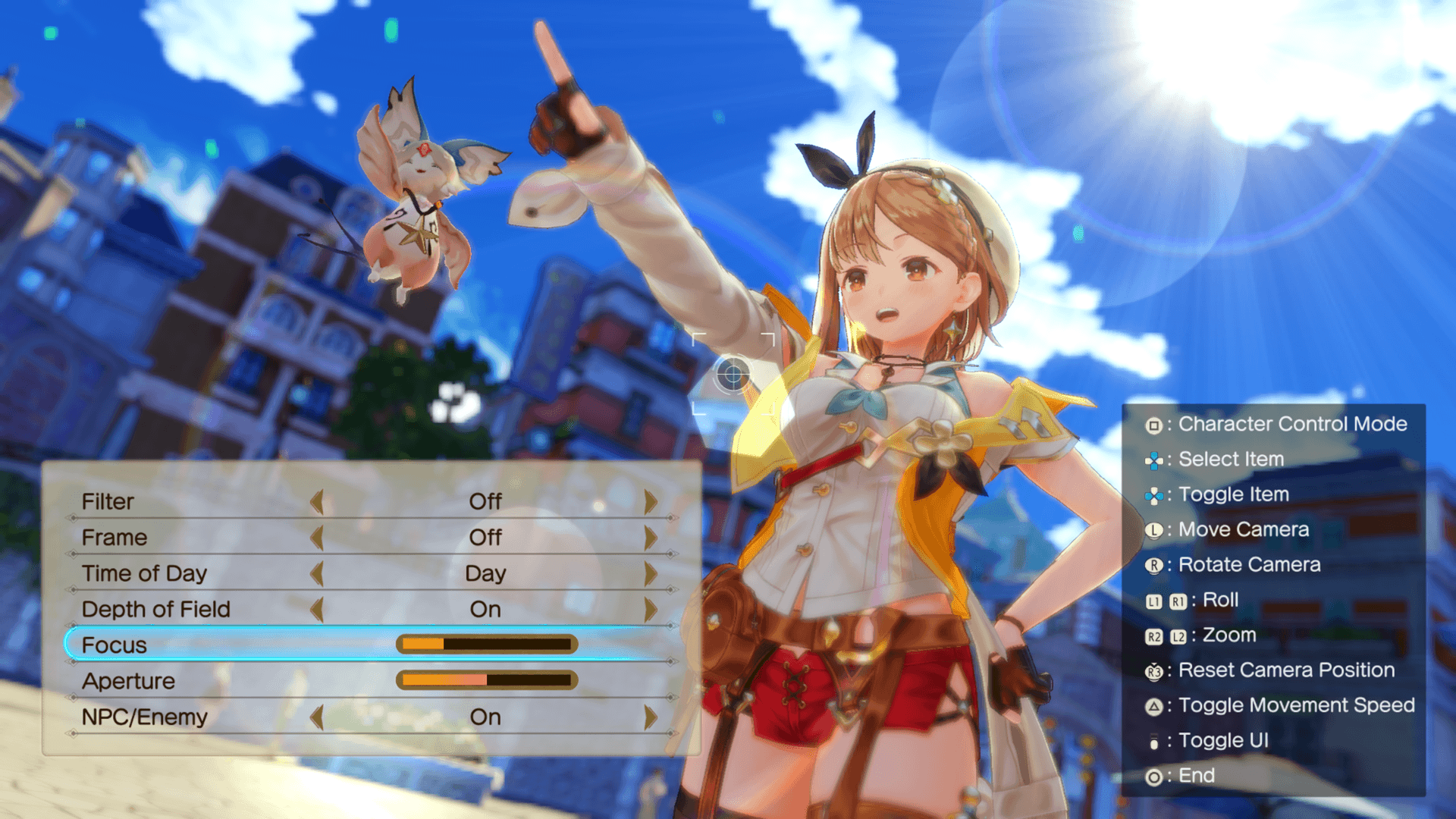
In the Photo Mode you can take screenshots while changing angles and applying special effects.
* To capture screenshots, use the screenshot function of the PlayStation®5/PlayStation®4/Nintendo Switch™2/Nintendo Switch™/PC /Steam® client.
| Controls: Photo Mode | |||
|---|---|---|---|
| PS5® PS4® |
Switch™2 Switch™ |
Steam® | |
| PCGamepad | Keyboardand Mouse | ||
+ |
+ |
+ |
+  Select Photo Mode from the PC menu (  ). ). |