Starting the Game
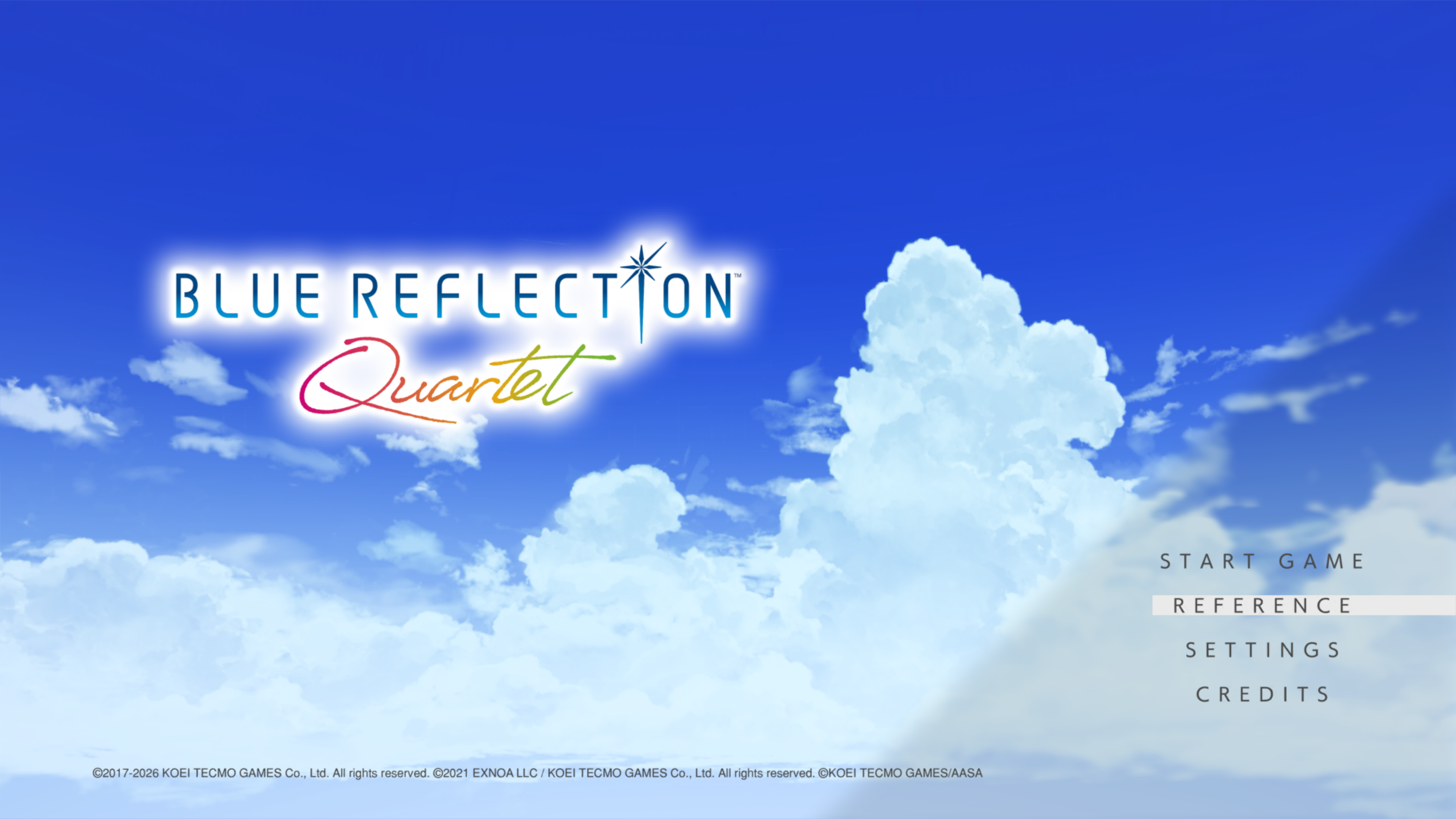
From the Top Menu, you can launch each title, review story terminology, and change game settings.
START GAME
Select a title to start playing.
For the best story experience, we recommend playing in this order: BLUE REFLECTION, BLUE REFLECTION: Ray, BLUE REFLECTION: Sun, and finally BLUE REFLECTION: Second Light.
REFERENCE
View setting details and terminology related to the story.
Characters
View relationship charts that span all titles, as well as profiles for each character.
Glossary
Look up terms that appear in the story.
World Chart
Browse story explanations in chronological order.
Gallery
View artwork.
SETTINGS
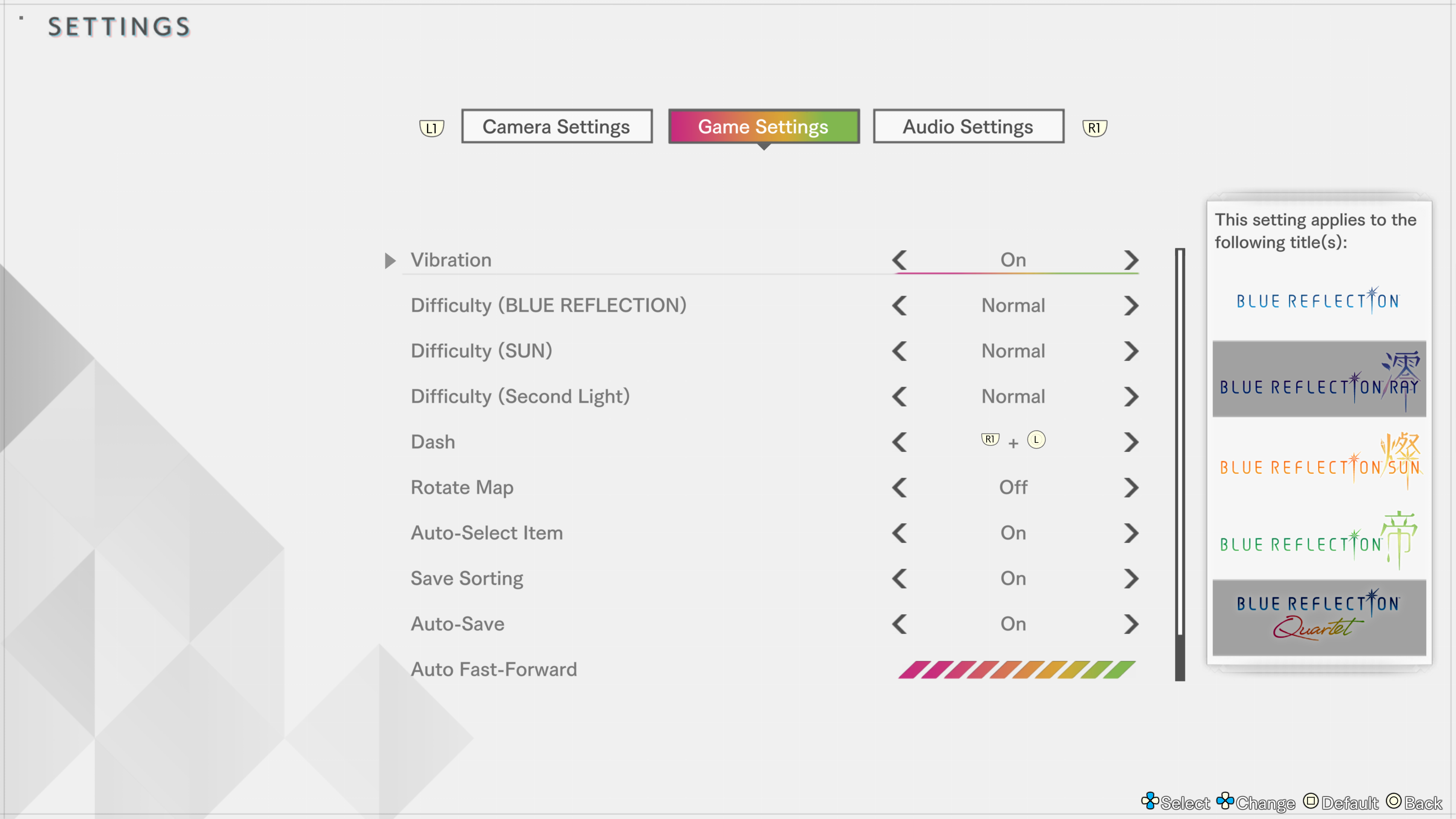
Change Camera Settings, Game Settings, and Sound Settings. You can adjust the game's difficulty under Game Settings.
Some settings apply only to certain titles, while others apply to all titles. You can check which titles each setting affects in the table on the right side of the screen.
Note: You can also change these settings while playing.
Graphics Settings
In the Steam® version, you can adjust graphics options under Graphics Settings.
If you feel the game is running slow, lowering your graphics settings might improve performance.
For more detailed explanations, see the pages below.
Key Assignment
In the Steam® version, Key Assignment lets you set keyboard key bindings and controller button assignments.
CREDITS
View the staff credits.
EXIT GAME
Ends the game.
Note: "Exit Game" is only for the Steam® version.