Field Basics
The Field Screen
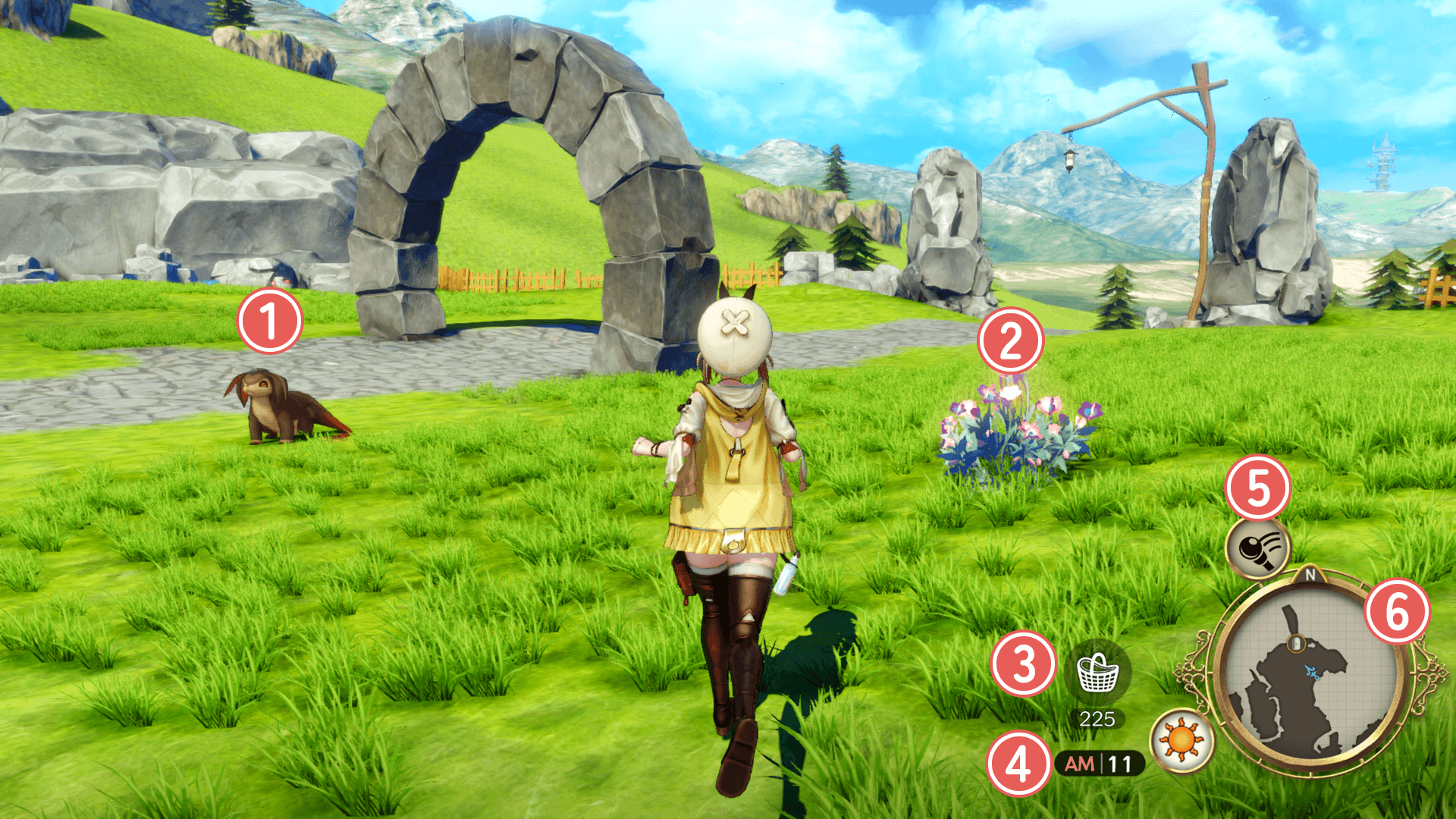
 Monsters
Battle will begin as soon as you come into contact with a monster. You can also swing your gathering tool at them to gain an advantage when the battle starts.
Swing Hit
As Riza's level increases, you can switch the swing between normal mode and swing hunting mode during field exploration.
In swing hunting mode, you can defeat some enemies using only swings.
 Gathering Point
This is where you gather materials. Approach it and press the assigned button to begin gathering.
| Controls / Check | |||
|---|---|---|---|
| PS5® PS4® |
Switch™2 Switch™ |
Steam® | |
| PCGamepad | Keyboardand Mouse | ||
  |
 |
 |
 |
| Controls / Swing | |||
|---|---|---|---|
| PS5® PS4® |
Switch™2 Switch™ |
Steam® | |
| PCGamepad | Keyboardand Mouse | ||
 |
 |
 |
  |
 Basket Capacity
Displays the available capacity of the Basket.
 Time
Time
This shows the current time and weather. It will change on its own as you move around the field.
Some villagers and monsters will only appear at certain times of day.
 Gathering Tools
Swing these around to collect materials or attack enemies.
You can equip synthesized gathering tools by going to Main Menu > Gathering Tools while you are at your home base.
Using different tools on the same gathering point can yield different materials.
Press the assigned button to rotate through your tools.
| Controls / Change Gathering Tools | |||
|---|---|---|---|
| PS5® PS4® |
Switch™2 Switch™ |
Steam® | |
| PCGamepad | Keyboardand Mouse | ||
 |
 |
 |
 |
+ |
+ |
+ |
+ + +  |
 Minimap
This displays the current area.
Safety Flowers
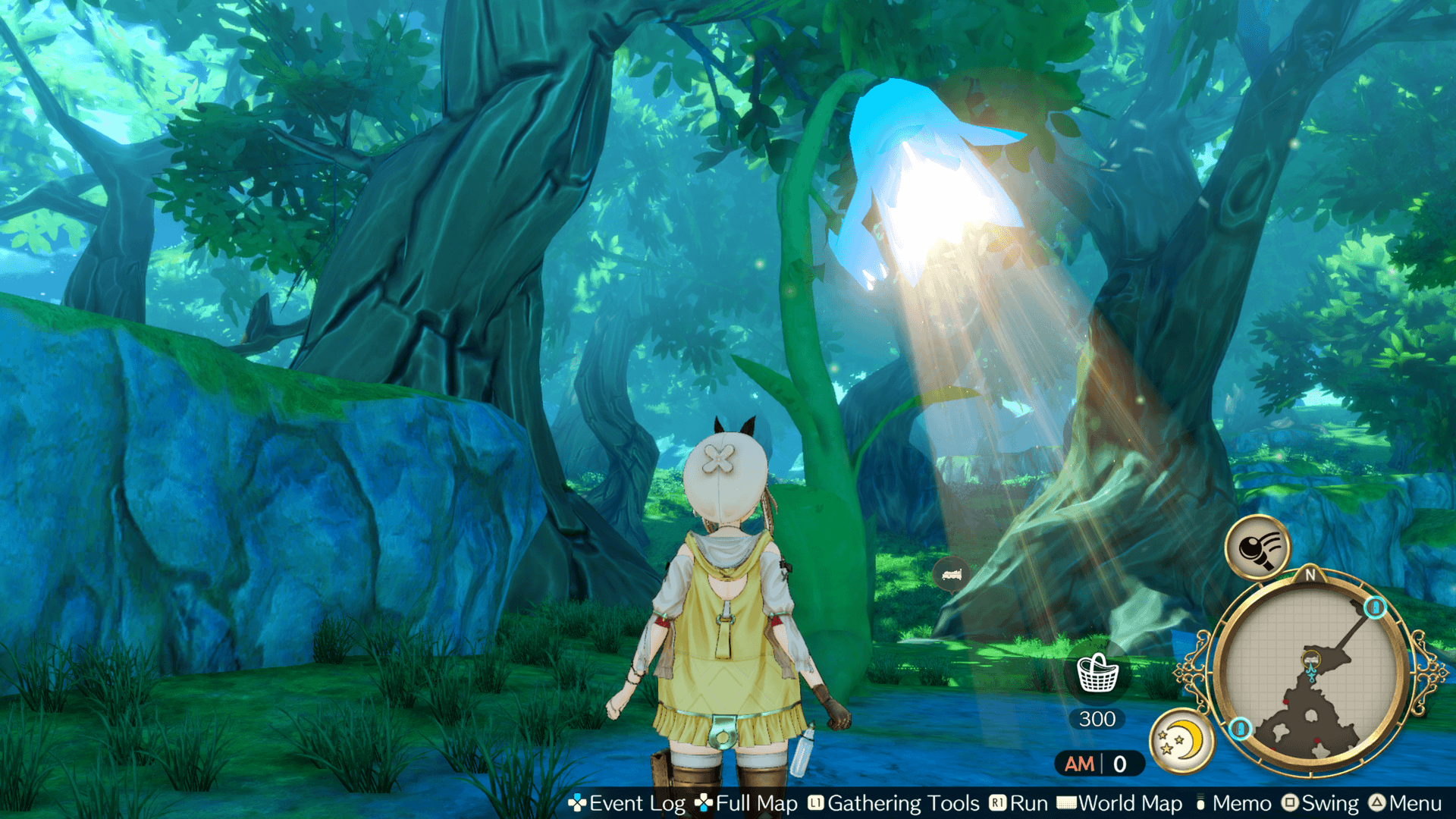
Approach a Safety Flower to fully restore your HP and CC.
Doing so will also change the time of day.
Using a Safety Flower will disable it until you return to your home base.
Leap Stones & Flying
Leap Stones
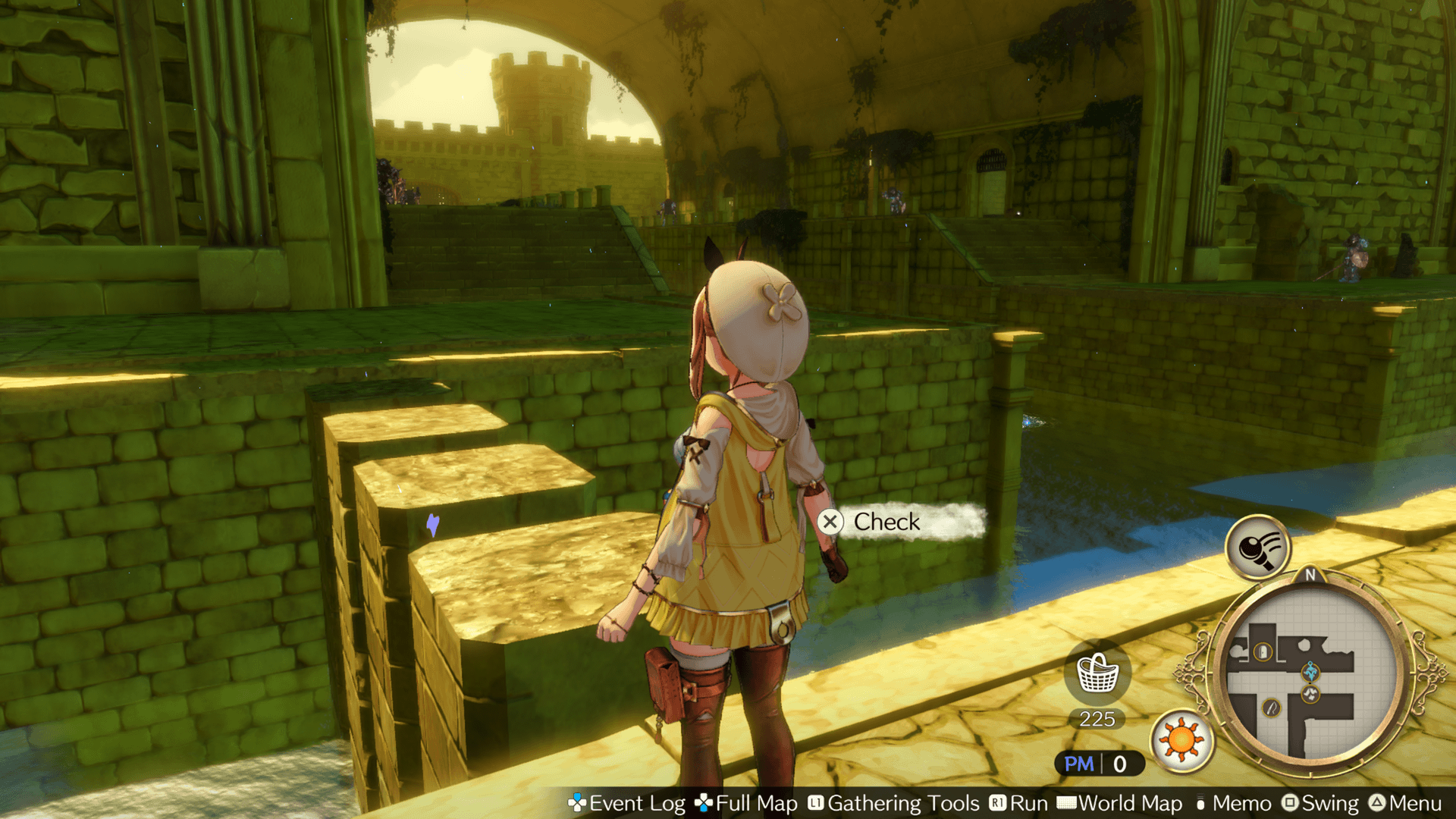
Some gathering areas contain Leap Stones, which you can use to jump to new areas if you have Wind Spirit Shoes with the right attributes.
Flying
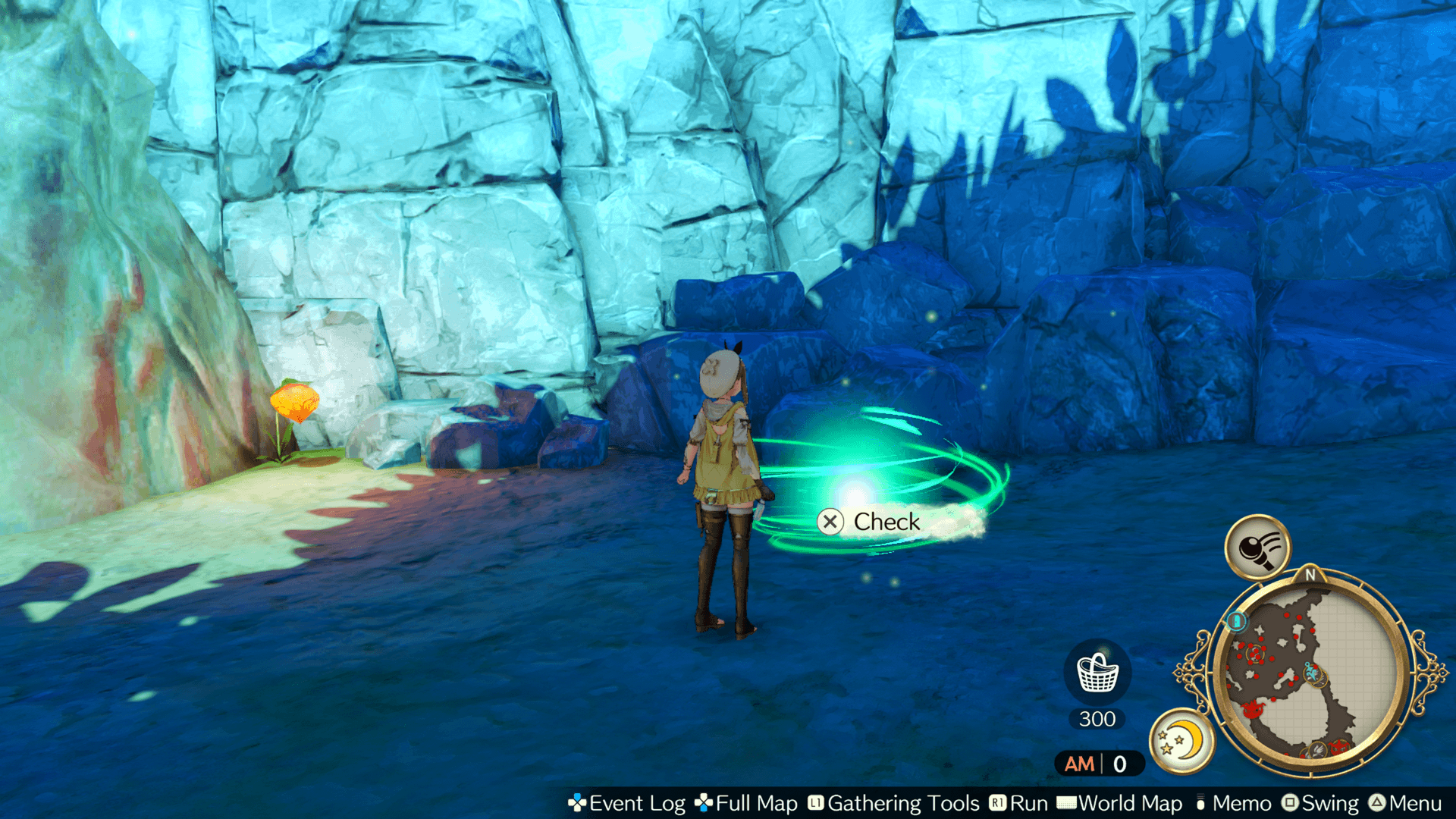
Some gathering areas may contain small whirlwinds. If you've got Wind Spirit Shoes with the right attributes, you can leap in to reach higher areas.
Full Map
Full Map will show you the general part of the world you're currently in.
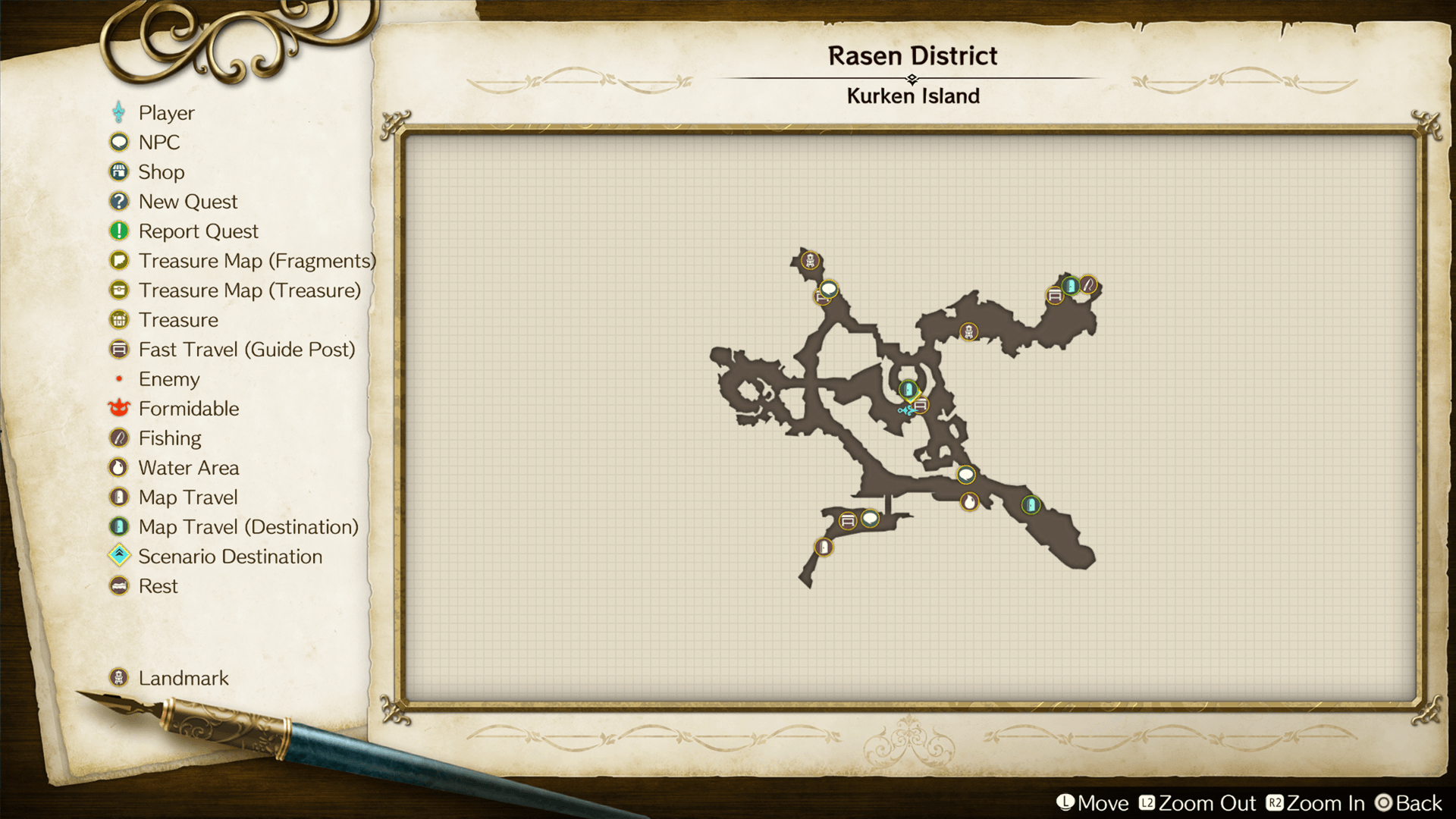
Photo Mode
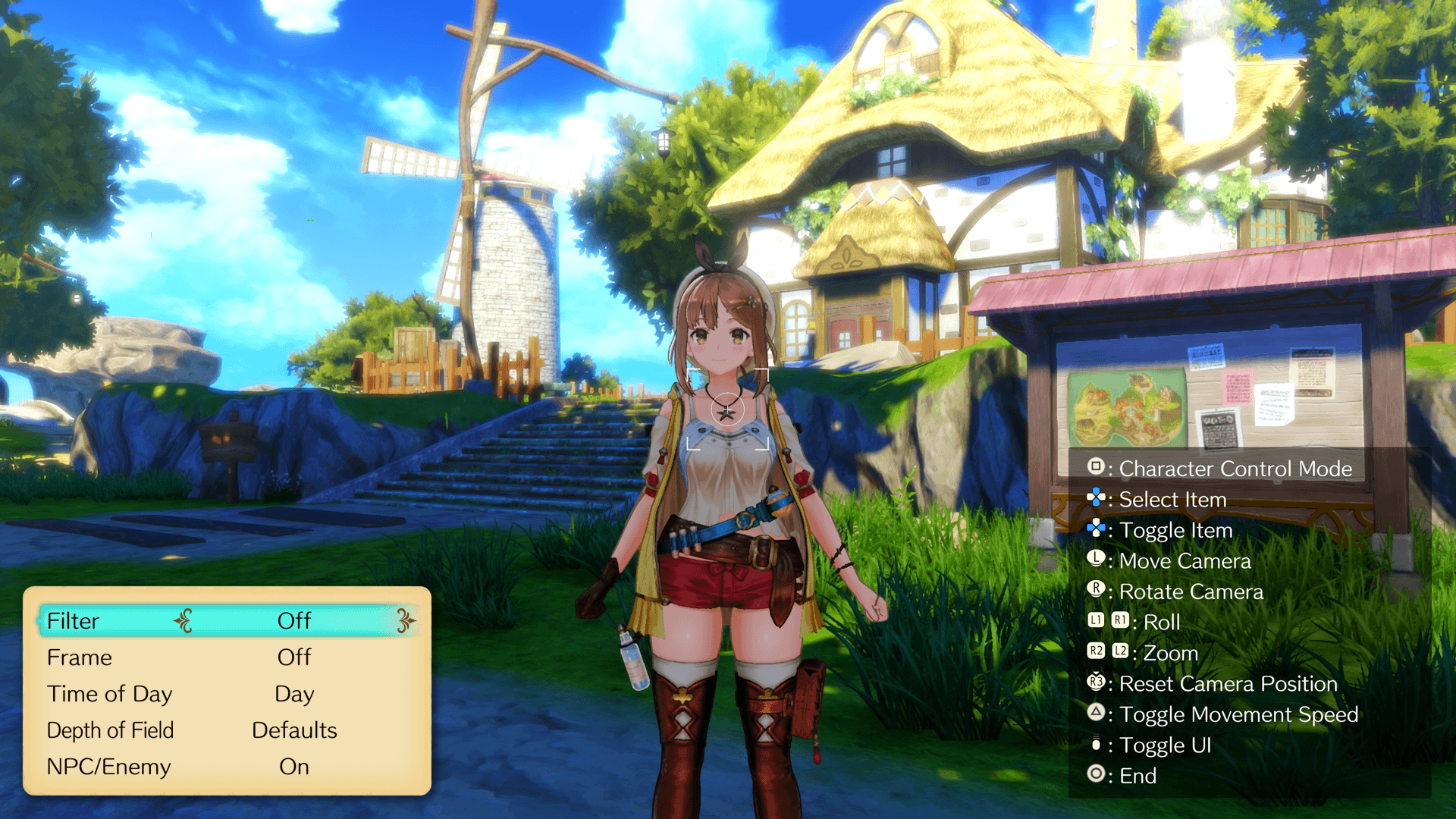
In Photo Mode, you can change angles, add effects, and take screenshots.
* To capture screenshots, use the screenshot function available on the PlayStation®5/PlayStation®4/Nintendo Switch™2/Nintendo Switch™/PC /Steam®.
| Controls - Photo Mode | |||
|---|---|---|---|
| PS5® PS4® |
Switch™2 Switch™ |
Steam® | |
| PCGamepad | Keyboardand Mouse | ||
 |
 |
 |
 |